



Google rolls out Personal Intelligence in the Gemini app for users in India
Google Personal Intelligence in India connects Gemini with Gmail, Photos and more to deliver personalised AI answers with full user control.

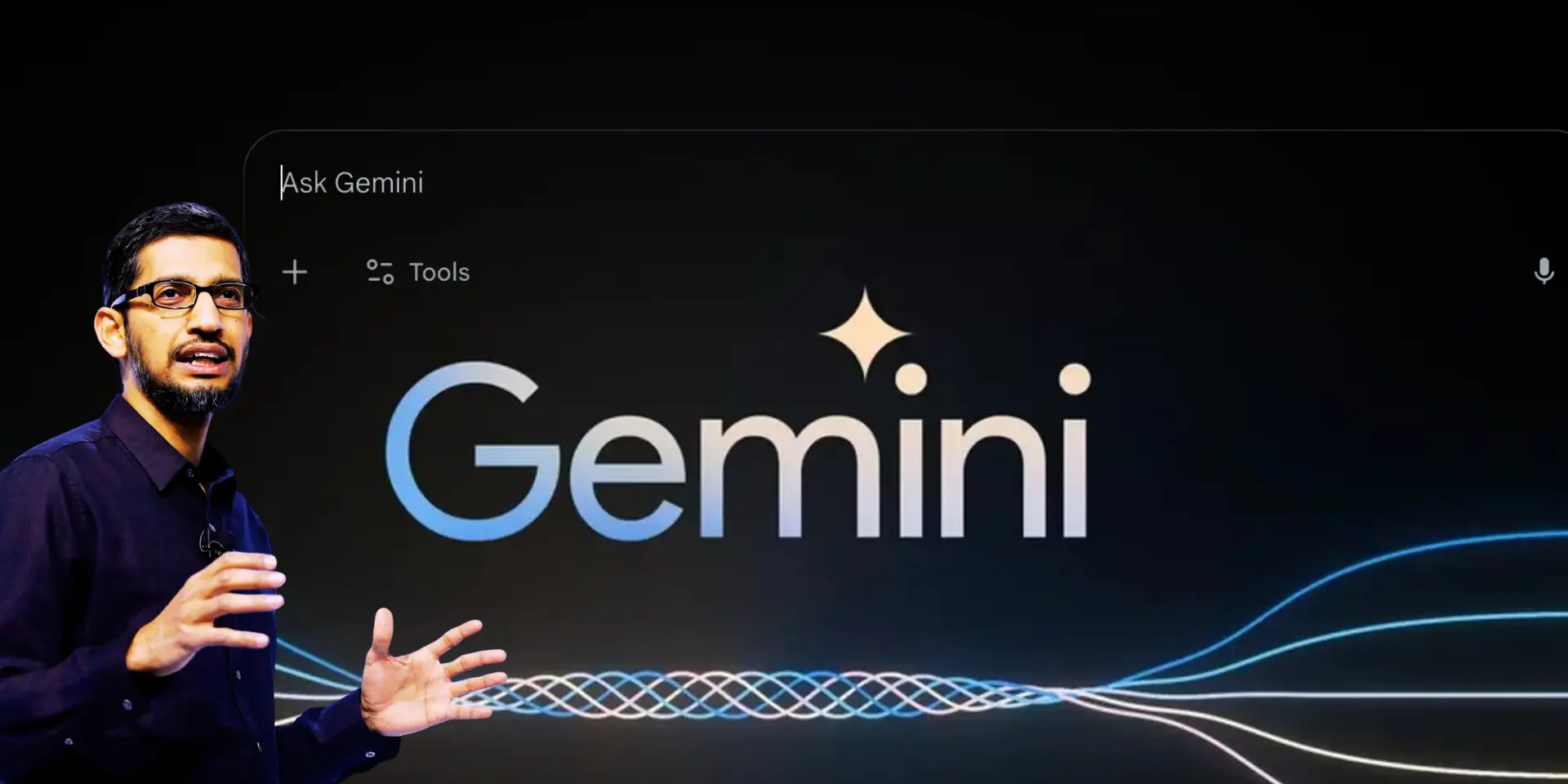

Your apps just started talking to each other. On 14 April, Google rolled out Personal Intelligence inside the Gemini app for users in India. The feature connects select Google apps to deliver contextual, personalised answers, cutting down the need to jump between Gmail, Photos, YouTube and Search.
It is not just another AI update. It is Google trying to make your data actually useful.
What does Personal Intelligence actually do?
At its core, Personal Intelligence enables Gemini to pull information from different apps and combine it into a single coherent response. For example, instead of manually checking emails, maps, and saved images, you can ask a single question like: What are my travel plans for Jaipur?
If permissions are enabled, Gemini can:
- Pull booking details from Gmail
- Find relevant screenshots or maps from Google Photos
- Suggest places based on your YouTube activity
In simple terms, it reduces context switching. That is the constant back and forth between apps that eats up time and attention. Google also says Gemini will show which sources it used. This adds a layer of transparency so users can verify responses instead of blindly trusting AI output.
How it works behind the scenes
Once enabled, Gemini connects to selected apps and retrieves data only when needed. You remain in control of:
- Which apps are connected
- When they are used
- Whether personalisation is active in a conversation
There is also an option to use temporary chats. These allow you to interact with Gemini without using any personal data, which is useful when you want neutral responses. Another important feature is correction. If the AI bot gets something wrong, you can fix it in real time. Over time, this helps refine future responses.
A simple use case: planning a trip
Google highlights travel planning as a key example. Imagine you are heading to Jaipur. Instead of checking multiple apps, you ask Gemini one question. It can build a timeline from your emails, recall saved locations, and even recommend restaurants influenced by videos you watched. The goal is clear. Make AI less about answering questions and more about handling tasks.
How to control privacy?
Google is emphasising that Personal Intelligence is strictly opt-in. This means app connections are turned off by default, users must manually enable each integration, and they can disconnect apps at any time.
The company also clarifies that Gemini does not directly train on your Gmail inbox or Photos library. Instead, it improves by using limited signals such as prompts and responses, after filtering or masking personal data.
There are also guardrails in place. Gemini avoids making assumptions about sensitive topics like health unless you explicitly bring them up. This is important because over-personalisation can feel intrusive. Google appears to be aware of that balance.
How to enable Personal Intelligence in India?
Getting started is pretty simple. You have to follow these steps:
- Open the Gemini app
- Go to Settings
- Select Personal Intelligence
- Choose Connected Apps and link what you need
You can enable or disable connections at any time.

The feature is rolling out to eligible subscribers across Web, Android and iOS. In India, it is currently available to Google AI Plus, Pro, and Ultra subscribers. The search engine giant says a wider rollout to free users is expected in the coming weeks.